 i3ucky's Tools
Overlays › Boss-Tracker
About this tool
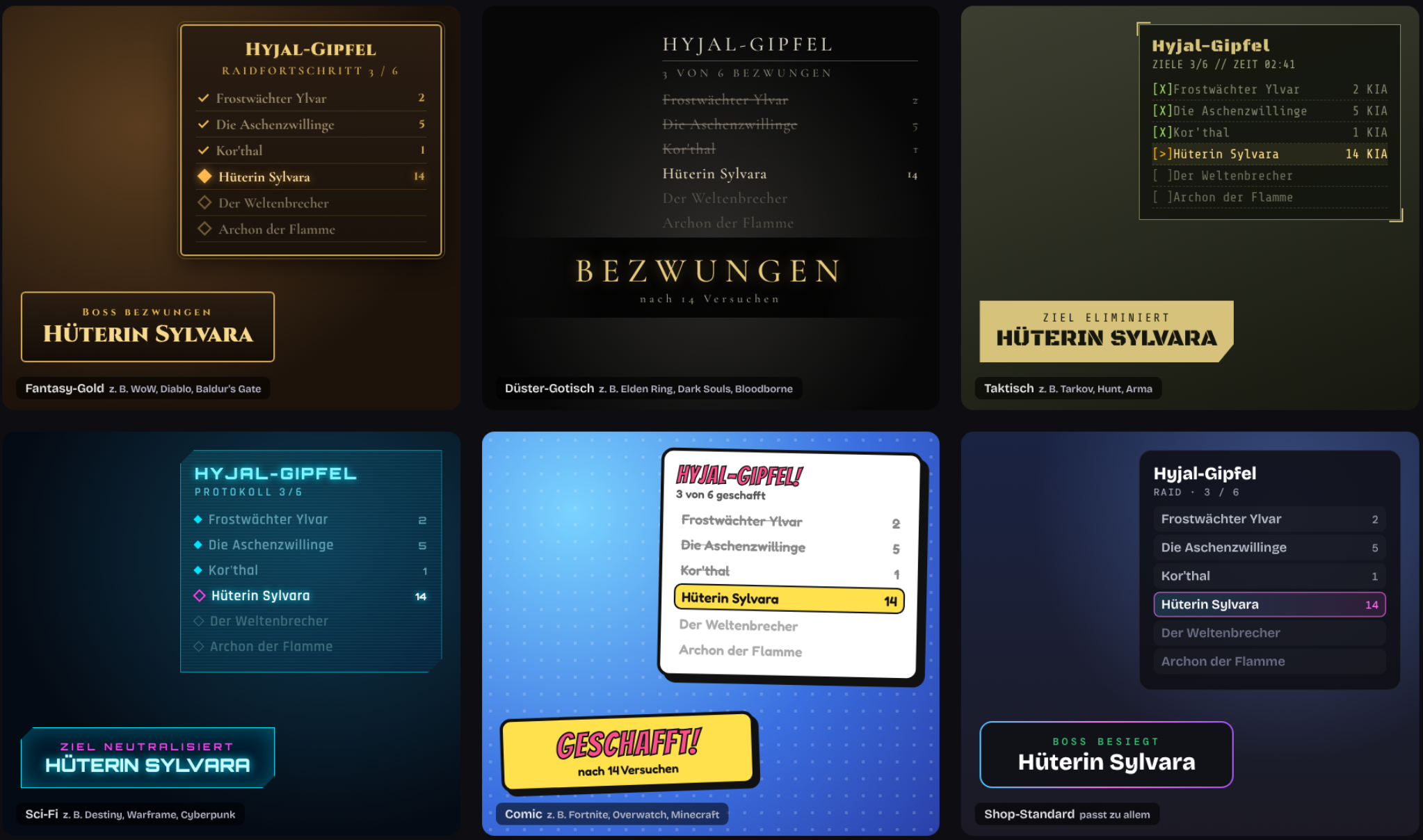
How many attempts so far? How many bosses are left? The Boss Tracker shows your viewers without anyone keeping notes.On stream you see the boss list with check marks for defeated bosses, wipes per boss, progress (e.g. 3 / 6), the raid clock, total wipes and which raid night it is. Plus a big "Attempt 15" counter for the current boss.When a boss goes down, a banner shows its name, the number of wipes and the time spent on it – with confetti and a fanfare. Without a single wipe it says "First Try!", after the last boss "Raid clear".Six designs matching the mood of your game: fantasy gold, dark gothic, tactical, sci-fi, comic and the shop design. Colors, font, size, position, which bosses are shown and all texts are fully adjustable – call them "deaths" or "attempts" instead of "wipes" if you like.Up to 12 lists with 30 bosses each, every list with its own counters – for several raids, games or chapters. Templates for WoW Classic and Elden Ring are included, or simply type your own list.Control it from the dashboard, the stream cockpit or chat: your mods count with !wipe, mark a boss as defeated with !kill and undo mistakes with !undo. Viewers check the status with !boss, and ChattyRoo announces defeated bosses in chat.Runs in one OBS browser source, the counters are stored on the server.
How to get started
1
Log inwith your Twitch account
2
Unlockby subscribing to my channel
3
Add to OBSURL as browser source